



SMT部品が最大70%オフ - 在庫あり、すぐに発送可能

見積もりを取得 →
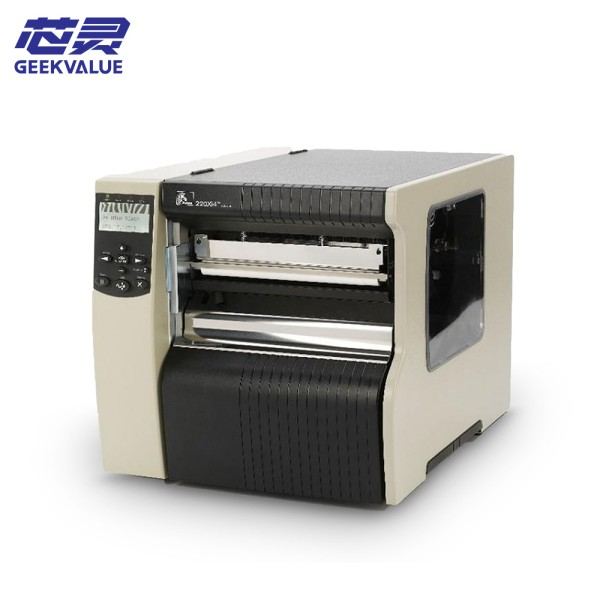
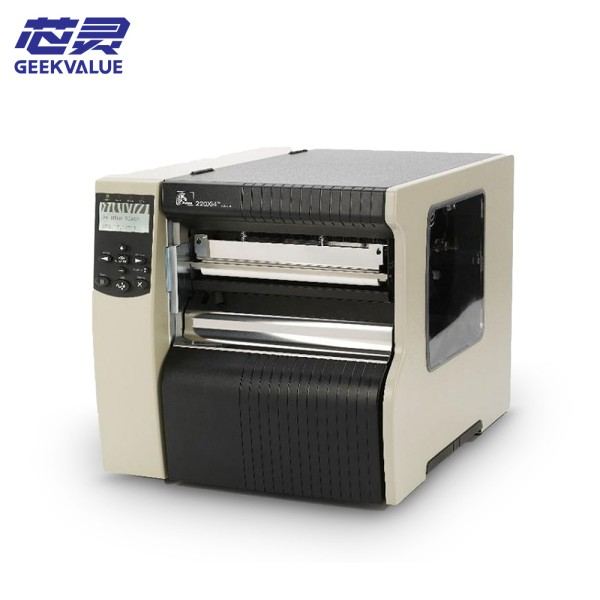
Zebra Printer
Zebra Technologies Industrial Thermal Barcode Printer ZT430

Zebra Technologies 産業用サーマルバーコードプリンタ ZT430

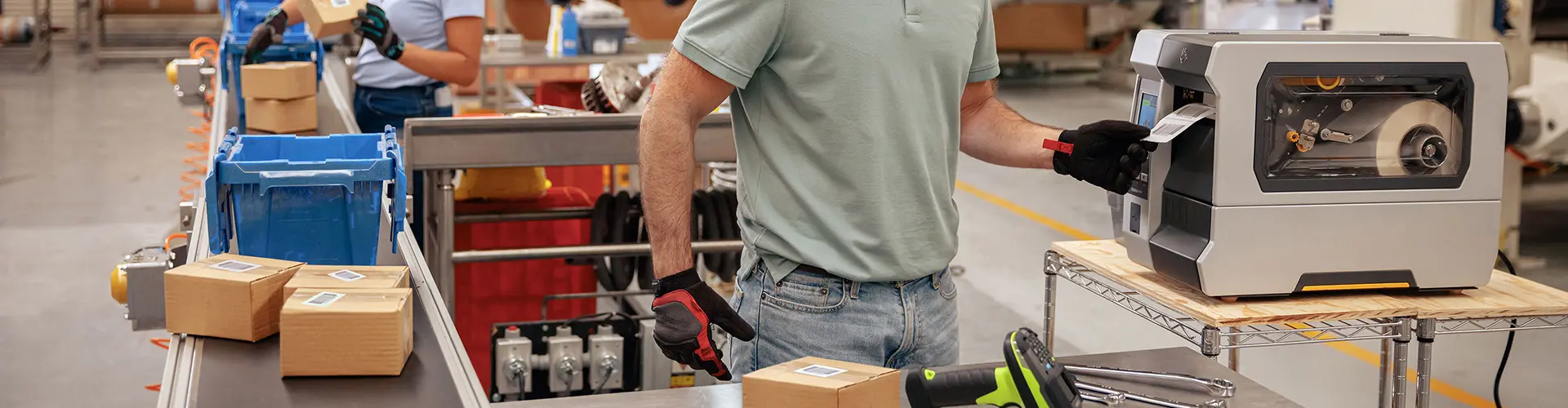
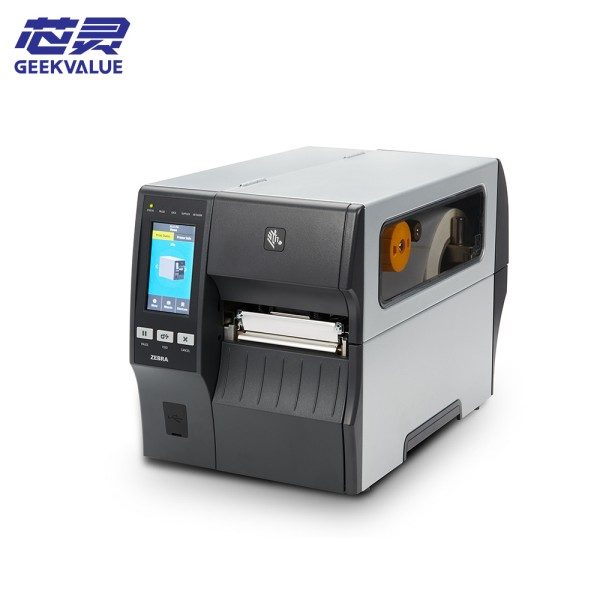
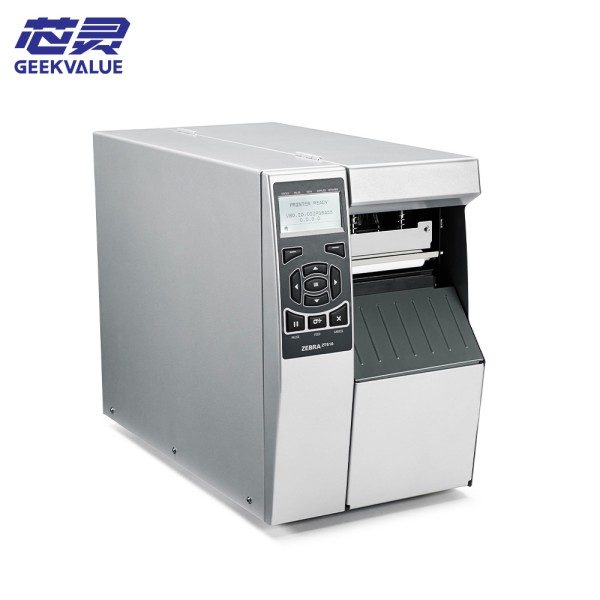
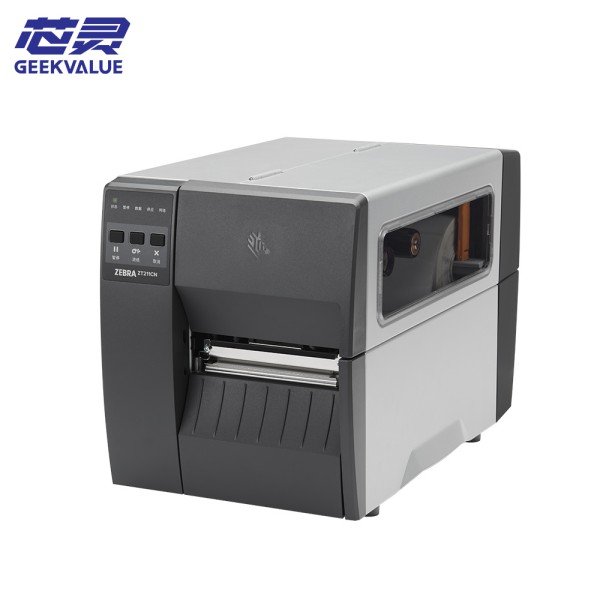
Zebra ZT430 は、Zebra が発売した、中程度から高負荷の印刷シナリオ向けに設計された高性能な産業用熱転写/熱バーコード プリンターです。

詳細

Zebra ZT430 は、Zebra が発売した、中程度から高負荷の印刷シナリオ向けに設計された高性能な産業用熱転写/熱バーコード プリンターです。

2. Core advantages

1. Industrial-grade reliability

Sturdy structure: all-metal frame design, suitable for harsh industrial environments (dust-proof and earthquake-resistant).

Long-life components: The print head has a life of up to 150 kilometers (thermal transfer mode), reducing the frequency of replacement.

2. High-speed and efficient printing

Maximum printing speed: 14 inches/second (356 mm/second), improving the efficiency of assembly line operations.

High resolution optional: standard 203 dpi, optional 300 dpi (suitable for fine barcodes and small fonts).

3. Wide media compatibility

Supported printing methods: thermal transfer (carbon ribbon) and thermal (no carbon ribbon).

Applicable media types:

Paper labels, synthetic labels (PET, PVC), tags, wristbands, high-temperature resistant labels, etc.

Maximum print width: 4.09 inches (104 mm).

Maximum media roll diameter: 5 inches (127 mm).

4. Smart and easy to use

Intelligent sensor: Automatically detects label gaps and black marks, reducing calibration time.

Intuitive operation panel: LCD display + buttons for quick setup and troubleshooting.

5. Powerful connectivity and integration capabilities

Multiple interfaces: USB 2.0, serial port (RS-232), Ethernet, Wi-Fi (optional), Bluetooth (optional).

Cloud and remote management: Supports Zebra Link-OS® for remote monitoring, firmware upgrades, and print task management.

Cross-platform compatibility: Supports Windows, Linux, macOS, and mobile devices (Android/iOS).

III. 主な機能と適用シナリオ

1. Core functions

High-precision barcode printing: Supports one-dimensional codes (Code 128, UPC, EAN-13), two-dimensional codes (QR Code, Data Matrix).

Batch continuous printing: suitable for large-scale printing of logistics sorting and warehouse labels.

Automatic calibration: automatically adjust the label position through the media sensor to reduce waste.

Optional accessories expansion:

Cutter module: automatically cut labels (such as retail price tags).

Peeler: automatically peel off the label backing paper (suitable for label applications).

Rewinder: used for ribbon recycling to save consumables.

2. Typical application scenarios

業界応用事例

Logistics and transportation: express delivery bills, freight labels, warehouse shelf labels

Manufacturing: product identification, assembly line tracking, asset labels

Retail: price tags, membership cards, promotional barcodes

Medical industry: drug labels, sample tracking, patient wristbands

IV. Technical principles and printing process

1. Printing technology

Thermal transfer mode (Thermal Transfer)

The print head heats the ribbon and transfers the ink to the label, which is suitable for high-durability labels (such as outdoor labels and chemical labels).

Direct Thermal Mode

The print head directly heats the thermal paper to develop color, which is suitable for short-term labels (such as express delivery orders, receipts).

2. Workflow

Data input: Send print instructions through a computer/mobile device (such as Zebra Designer software).

Media detection: The sensor automatically locates the starting position of the label.

Printing execution: The print head heats the media (carbon ribbon or thermal paper) to complete the graphic printing.

Output method:

Standard mode: Directly output the label.

Optional cutter/peeler: Automatically cut or peel the backing paper.

V. Common errors and troubleshooting

エラーコード/現象 考えられる原因 解決策

The indicator light is always red. The consumables are not installed correctly. Please reload the label/ribbon to ensure the correct path.

Out of paper (no paper) The label is used up or the sensor is dirty. Please reload the label; clean the sensor with alcohol.

Out of ribbon (no ribbon) The ribbon is used up or installed incorrectly. Please replace the ribbon; check the ribbon sensor.

Printhead overheated The printhead is overheated. Please pause printing and restart printing after cooling.

Printhead open The printhead is not closed. Please check if the printhead is locked.

Blurred/missing print Dirty or uneven pressure on the printhead Clean the printhead (use alcohol cotton); adjust the pressure bar.

Communication failure Loose data cable/driver problem Check USB/network connection; reinstall the driver.

Clean the printhead, roller and sensor with alcohol cotton every week.

Poor quality ribbons/labels can easily damage the printhead. It is recommended to use Zebra original or certified consumables.

VI. 要約

With its advantages such as high-speed printing, industrial-grade durability and intelligent management, the Zebra ZT430 is an ideal choice for medium and high-load barcode printing. Its wide range of application scenarios and low maintenance costs make it popular in logistics, manufacturin

Zebra ZT430

なぜこれほど多くの人が GeekValue と協力することを選択するのでしょうか?

私たちのブランドは街から街へと広がり、数え切れないほどの人から「GeekValueって何?」と聞かれます。それは、最先端技術で中国のイノベーションを支援するというシンプルなビジョンから生まれています。これは、絶え間ない改善を追求するブランド精神であり、細部への飽くなき追求と、あらゆる納品で期待を上回る喜びの中に秘められています。この執念とも言えるほどの職人技と献身は、創業者の粘り強さだけでなく、私たちのブランドの真髄であり、温もりでもあります。ぜひここからスタートし、完璧を創造する機会を与えてください。共に次の「ゼロ欠陥」の奇跡を創りましょう。

詳細
GEEKVALUE

Geekvalue: ピックアンドプレースマシンのために誕生

チップマウンターのワンストップソリューションリーダー

私たちについて

Geekvalue は電子機器製造業界向け機器のサプライヤーとして、有名ブランドの新品および中古の機械やアクセサリを非常に競争力のある価格で幅広く提供しています。

連絡先:中国深圳市宝安区沙井鎮上寮工業路18号

相談電話番号:+86 13823218491

メールアドレス:smt-sales9@gdxinling.cn

お問い合わせ

© 無断転載禁止。技術サポート:TiaoQingCMS

kfweixin

スキャンしてWeChatを追加

見積もり依頼