
 en
 ori
 alb
 amh
 ara
 arm
 aym
 aze
 bel
 ben
 bos
 bul
 bur
 cs
 dan
 de
 div
 el
 est
 fil
 fin
 fra
 gle
 glg
 grn
 heb
 hi
 hkm
 hrv
 hu
 ice
 id
 it
 jp
 kan
 kin
 kor
 lao
 lav
 lit
 ltz
 lug
 mao
 may
 mlt
 nep
 nl
 nor
 nya
 orm
 per
 pl
 pt
 rom
 ru
 san
 sk
 som
 spa
 srp
 swa
 swe
 tam
 th
 tr
 ukr
 urd
 vie
 wel
 xho
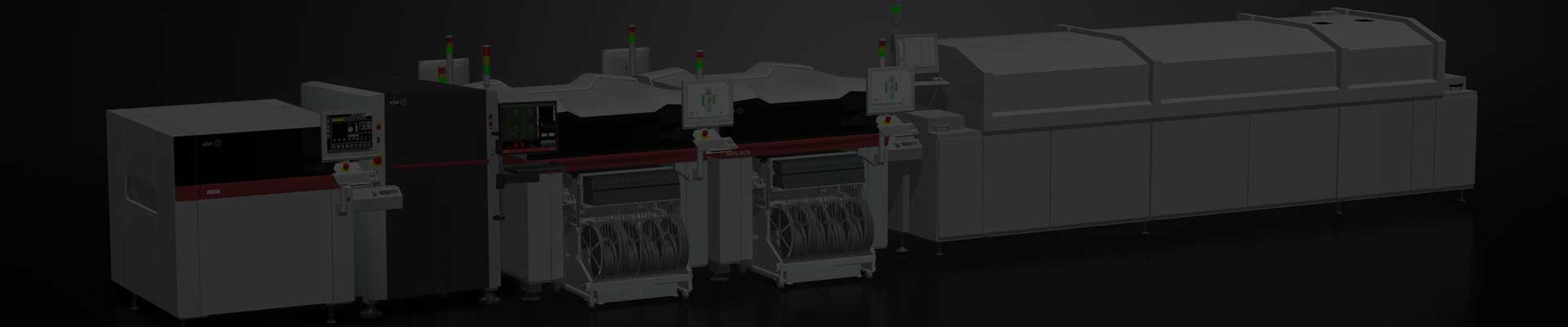
The Ersa VERSAPRINT 2 ELITE aligns the PCB to the stencil and prints solder paste before placement. If you are buying one to replace an installed VERSAPRINT printer, start with the serial number and camera configuration. Ersa’s earlier platform literature describes an ELITE with area-camera alignment and optional inspection tasks. Ersa China also lists an ELITE configuration with a 2D LIST camera. Check the installed camera and software functions on the machine you are considering.
Process | Solder paste stencil printing |
|---|---|
Kamera | Area camera or 2D LIST, depending on configuration |
Tooling to match | Stencil frame, board support and squeegee holders |
Line handoff | Confirm conveyor direction and SPI interface |
Replacing a printer on an existing line
Board clamping and support are especially important when you reuse tooling from a previous printer. Match the board-edge clearance and support positions, then check the usable stencil frame dimensions, squeegee holders and conveyor handoff. If your quality process uses a separate SPI station, check where that station takes over and whether the printer has the interface your line requires.
For a used ELITE quotation, send GEEKVALUE your stencil frame size, panel dimensions and transport direction. If you need an inspection function, include the areas or features your team checks today. The quote should identify the installed camera and tooling so your engineers can review the actual configuration before planning the transfer.